Gaming Laptop Buying Guide for Sri Lanka (2026): GPU, Cooling & Budget
Key Takeaways
- The graphics card (GPU) matters most for gaming. An NVIDIA RTX 4050 is the entry point and an RTX 4060 is the best value for 1080p gaming.
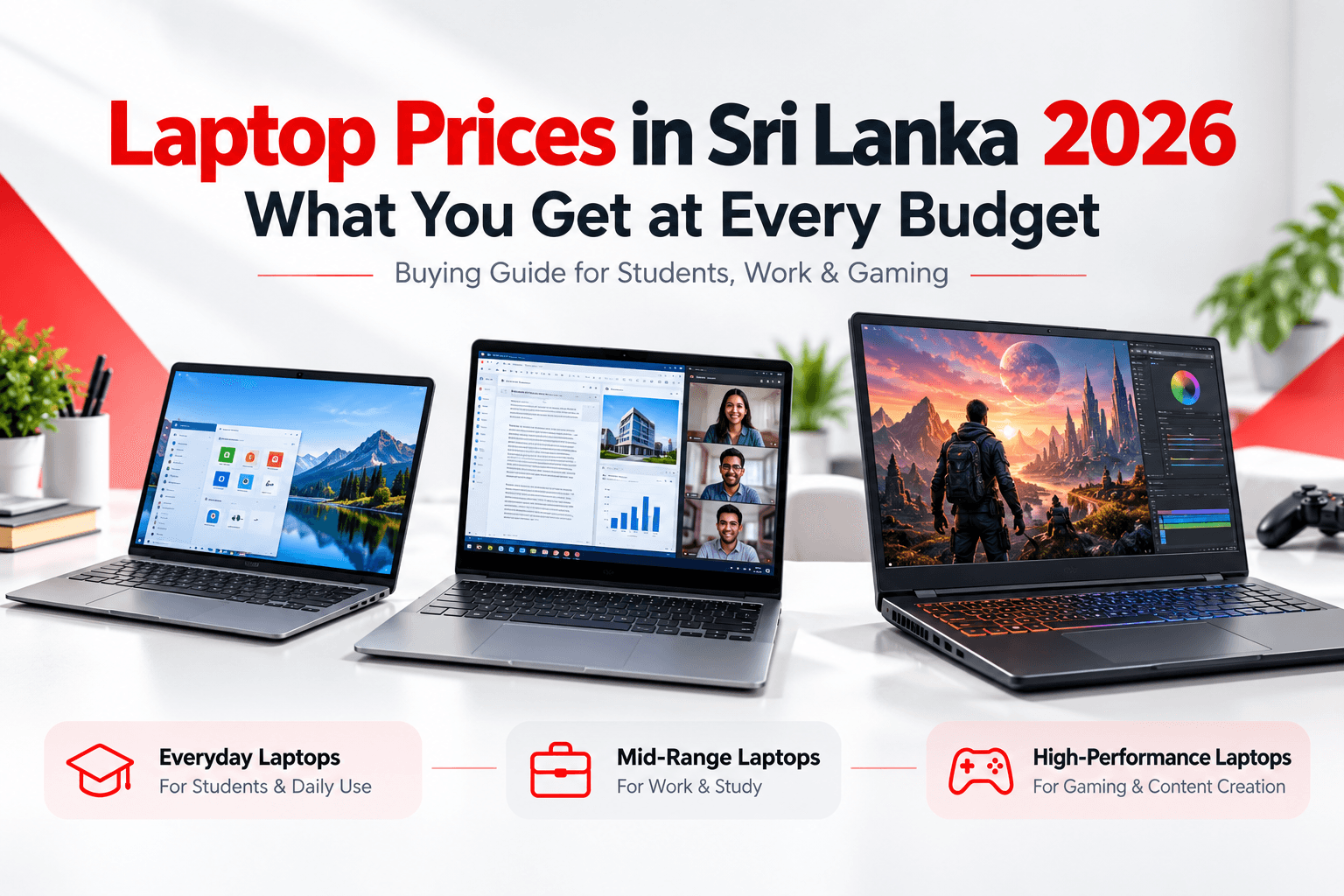
- Budget gaming laptops in Sri Lanka typically start around Rs. 300,000, and RTX 4060 models often fall in the Rs. 380,000–500,000 range.
- Get 16GB of dual-channel RAM, a 512GB+ SSD and a 144Hz (or faster) display.
- Cooling is critical in Sri Lanka's hot, humid climate. Choose a laptop with a strong thermal design and use a cooling pad.
Gaming in Sri Lanka has grown fast, from PUBG and Valorant tournaments to students who want one laptop for both studies and gaming. A gaming laptop is a big investment, though, and the wrong choice can mean poor FPS, overheating, or paying for features you do not need.
This guide explains exactly which specs affect gaming performance, what to expect at each budget in Sri Lanka, and how to keep your laptop cool in our tropical climate.
Gaming Laptop Price Ranges in Sri Lanka
| Budget (LKR) | Typical GPU | What to Expect |
|---|---|---|
| Rs. 280,000 – 350,000 | RTX 3050 / RTX 4050 | Esports titles at high FPS, AAA games at medium 1080p |
| Rs. 350,000 – 500,000 | RTX 4060 / RTX 5050 | Most AAA games at high 1080p settings with DLSS |
| Rs. 500,000 – 700,000 | RTX 4070 / RTX 5060 / 5070 | High-refresh 1080p or 1440p gaming, streaming |
| Rs. 700,000+ | RTX 4080 / 5080 and above | Maximum settings, 1440p+, content creation |
Approximate 2026 ranges. Check live prices in our gaming laptops collection.
1. The GPU: The Most Important Part
In a gaming laptop, the graphics card decides your frame rate. Here is a simple hierarchy of common laptop GPUs:
- RTX 3050 / RTX 4050: Entry level. Great for Valorant, CS2, Fortnite, PUBG and GTA V. Playable in newer AAA games at medium settings.
- RTX 4060 / RTX 5050: The sweet spot for most gamers. Handles most modern games at high 1080p settings, especially with DLSS.
- RTX 4070 / RTX 5060 / RTX 5070: For high-refresh gaming and 1440p screens.
- RTX 4080 / 5080 and above: Enthusiast-level performance at a premium price.
Watch out for TGP (power limit). The same GPU can perform very differently in different laptops. An RTX 4060 running at 140W is noticeably faster than one limited to 60–80W. Always check the GPU wattage in the specs.
 NVIDIA RTX graphics card inside a gaming laptop
2. The Processor (CPU)
For gaming, look for H-series or HX-series processors, which are built for sustained performance:
- Intel: Core i5-12450H / 13420H or better, Core i7-13620H / 14650HX, Core Ultra H-series
- AMD: Ryzen 5 7535HS / 8645HS, Ryzen 7 7735HS / 8845HS or newer
A Core i5-H or Ryzen 5-H is enough for an RTX 4050 or 4060. Pair stronger GPUs (RTX 4070+) with a Core i7 or Ryzen 7.
3. RAM and Storage
- 16GB RAM is the minimum for modern gaming. Make sure it runs in dual-channel (2 × 8GB), which can noticeably improve FPS compared with a single stick.
- 512GB NVMe SSD at minimum. Modern games can be 100GB+ each, so 1TB is better. Check whether the laptop has a second M.2 slot for an easy upgrade later. Browse SSD upgrades if you need more space.
4. Display: Refresh Rate Matters
A high refresh rate makes games feel much smoother:
- 144Hz is the minimum for a gaming laptop
- 165Hz – 240Hz is ideal for competitive shooters like Valorant and CS2
- IPS panel for better colours, and 100% sRGB if you also edit photos or videos
At 15.6–16 inches, a 1080p or 1200p screen is ideal for most GPUs. 1440p screens look sharper but need an RTX 4070 or better to drive high frame rates.
5. Cooling: Critical in Sri Lanka's Climate
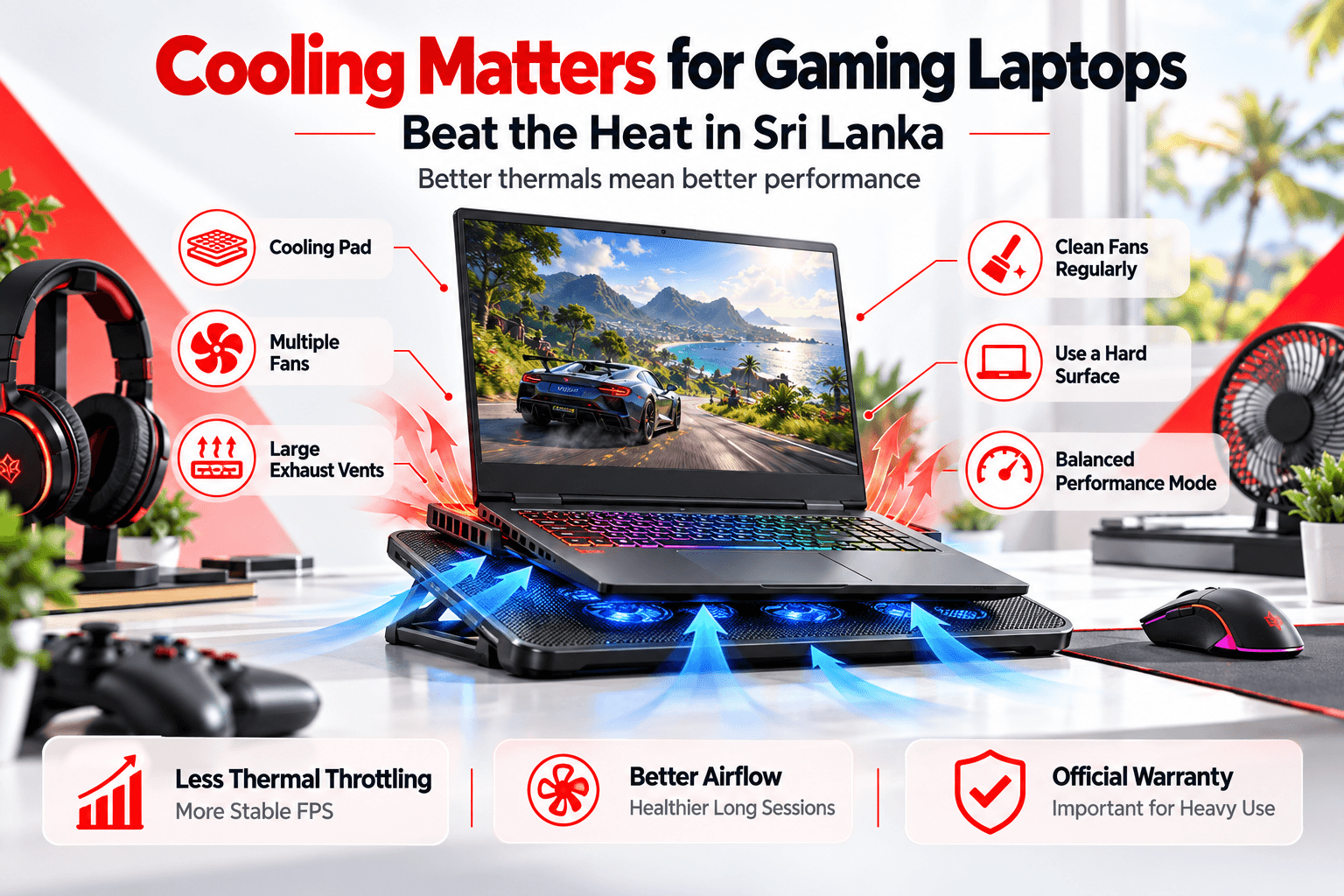
This is the factor most buyers forget. Sri Lanka's heat and humidity push gaming laptops hard. When a laptop overheats, it thermal throttles: it lowers its own performance, and your FPS drops.
How to stay cool:
- Choose a laptop with multiple fans and large exhaust vents. Gaming series such as ASUS TUF/ROG, Lenovo LOQ/Legion, HP Victus/OMEN and Dell G-series are designed for this.
- Use a laptop cooling pad, especially in rooms without air conditioning
- Never game on a bed or pillow, as it blocks the air intakes
- Clean the fans every 3–6 months, because dust builds up quickly
- Use the manufacturer's performance mode app wisely and switch to balanced mode for everyday tasks
 Gaming laptop on a cooling pad to prevent overheating
Popular Gaming Laptop Series in Sri Lanka
| Series | Positioning | Known For |
|---|---|---|
| ASUS TUF Gaming | Budget to mid-range | Durability, strong value |
| Lenovo LOQ | Budget to mid-range | Good cooling, clean design |
| HP Victus | Budget to mid-range | Balanced performance, wide availability |
| Dell G15 / G16 | Mid-range | Solid build, effective cooling |
| ASUS ROG / Lenovo Legion / HP OMEN | Mid to high-end | Top performance, premium features |
Gaming Laptop or Gaming PC?
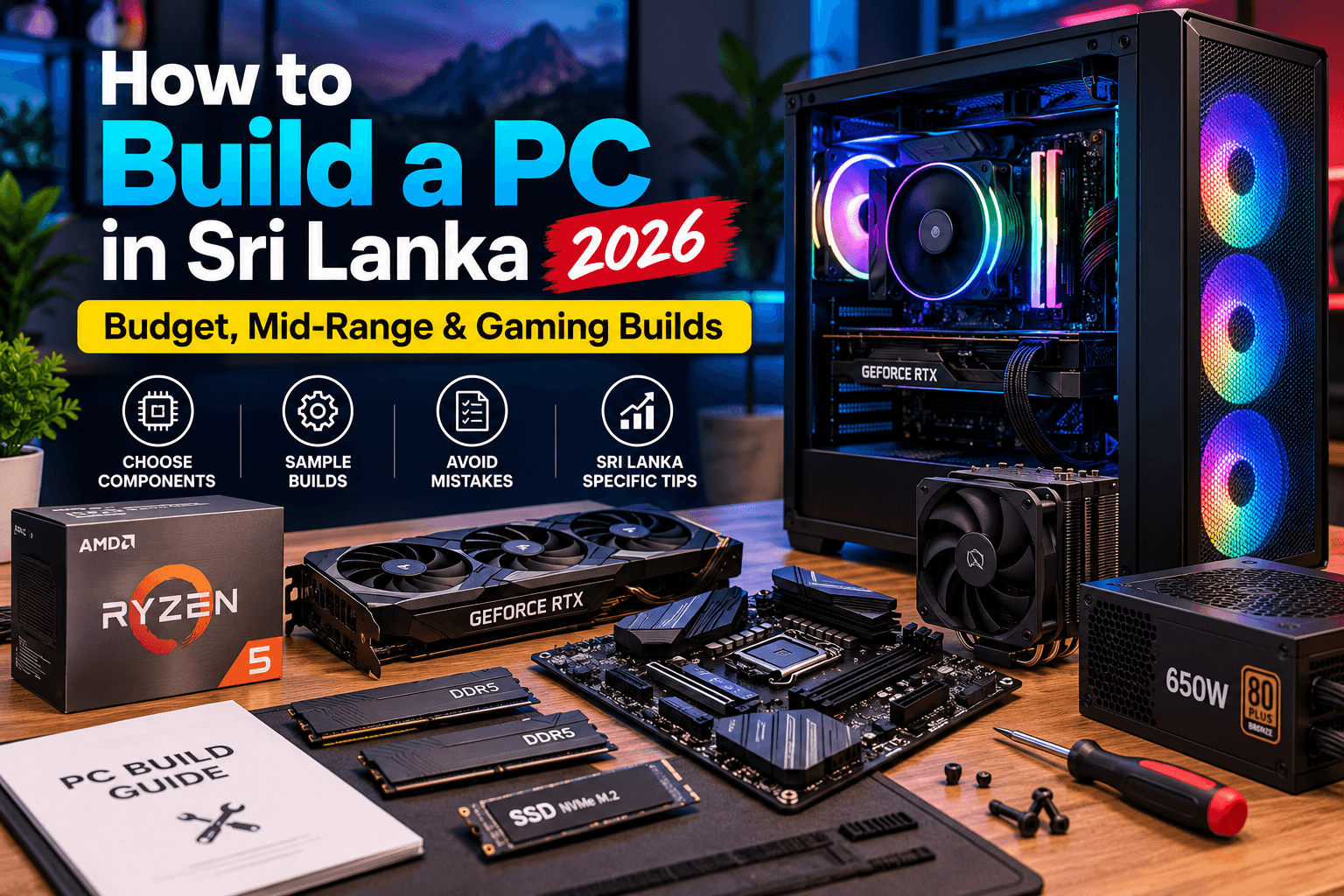
If you do not need portability, a desktop gaming PC gives more performance for the same money and is easier to upgrade. If you study, work or travel, a gaming laptop gives you one machine for everything. Not sure? See our PC build guide for Sri Lanka or try the Build PC tool.
Final Checklist Before You Buy
- RTX 4050 at minimum, and RTX 4060 for the best value
- H-series Core i5 / Ryzen 5 or better
- 16GB dual-channel RAM
- 512GB+ NVMe SSD (with a spare slot if possible)
- 144Hz+ IPS display
- Strong cooling design
- Official local warranty. Gaming laptops work hard, and warranty matters.
Ready to choose? Browse gaming laptops, compare models side by side, or visit our Colombo showroom to see them in person.
Frequently Asked Questions
What is the price of a gaming laptop in Sri Lanka?
In 2026, entry-level gaming laptops with an RTX 4050 typically start around Rs. 280,000 to Rs. 350,000 in Sri Lanka. RTX 4060 models usually cost Rs. 380,000 to Rs. 500,000, and high-end RTX 4070+ laptops cost more.
Is RTX 4050 enough for gaming?
Yes. An RTX 4050 handles esports titles like Valorant, CS2 and PUBG at high frame rates and plays most AAA games at medium to high 1080p settings, especially with NVIDIA DLSS enabled.
How do I stop my gaming laptop from overheating in Sri Lanka?
Use a cooling pad, play on a hard flat surface, clean the fans every 3 to 6 months, and avoid gaming in hot rooms without ventilation. Choosing a laptop with a strong cooling system also makes a big difference.
Is 16GB RAM enough for a gaming laptop?
16GB of dual-channel RAM is enough for nearly all current games. Consider 32GB if you also stream, edit videos or run demanding creative software.
Need Help Choosing?
Talk to our team for a free recommendation, or visit our showroom to see laptops in person. Every laptop is genuine, brand new and comes with official warranty.
Unit No. 1F01, 1st Floor, Unity Plaza, Colombo 04