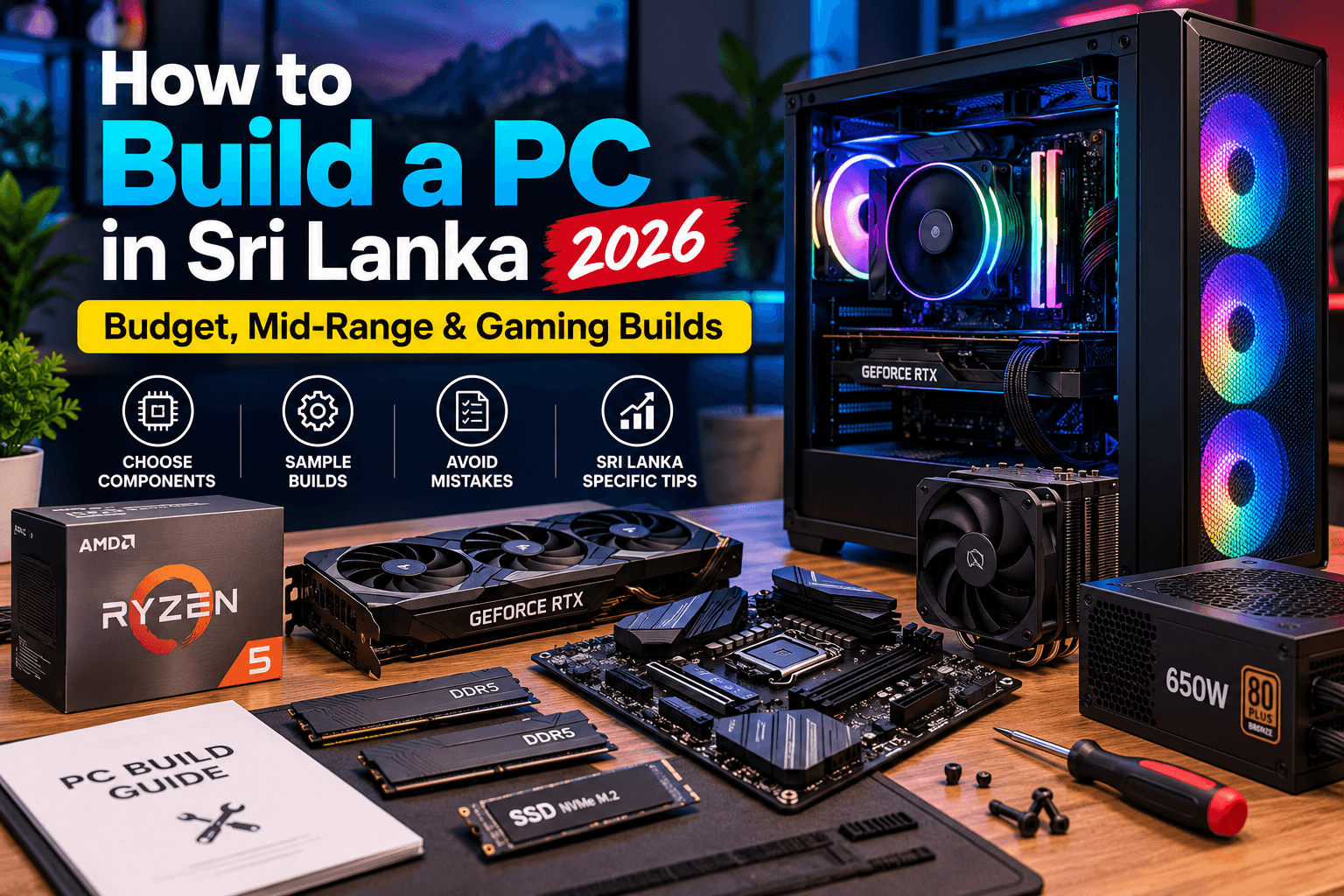
How to Build a PC in Sri Lanka (2026): Budget, Mid-Range & Gaming Builds
Key Takeaways
- Decide your main use first (office, editing or gaming), because it determines where most of your budget should go.
- For gaming, spend the largest share of your budget on the graphics card (GPU).
- Never cut corners on the power supply (PSU). A quality, correctly rated PSU protects every other component.
- Plan for Sri Lanka's power fluctuations and heat with a UPS or surge protection and good case airflow.
Building your own desktop PC is one of the best ways to get more performance for your money, and it is easier than you might think. Whether you need a reliable office PC, a video editing workstation or a high-FPS gaming rig, a custom build lets you choose exactly what you need and upgrade it later.
This guide walks you through choosing every component, gives sample builds for different budgets, and covers tips specific to building a PC in Sri Lanka.
You can plan your build step by step, with compatible components, using our Build PC tool.
Step 1: Decide What the PC Is For
Your use case determines where your money should go:
- Office / home / study: CPU with integrated graphics, 16GB RAM, fast SSD. No graphics card needed.
- Video editing / design: Strong multi-core CPU, 32GB RAM, mid-range GPU, plenty of SSD storage.
- Gaming: A powerful GPU is the priority, paired with a balanced CPU and 16–32GB RAM.
Step 2: Choose the Processor (CPU)
- Intel Core i3 / AMD Ryzen 3: Office and basic use
- Intel Core i5 / AMD Ryzen 5: The best value for gaming and general use
- Intel Core i7 / AMD Ryzen 7: Content creation, streaming and high-end gaming
- Intel Core i9 / AMD Ryzen 9: Professional workloads
Tip: AMD processors with a "G" suffix (e.g. Ryzen 5 8600G) and most Intel processors without an "F" suffix include integrated graphics, which is ideal for office PCs that do not need a separate GPU.
Step 3: Pick a Compatible Motherboard
The motherboard must match your CPU's socket:
- AMD AM5 (Ryzen 7000/8000/9000) uses DDR5 RAM
- AMD AM4 (Ryzen 5000) uses DDR4, a budget-friendly platform
- Intel LGA1700 / LGA1851 depends on the CPU generation
Choose a board with enough M.2 slots, USB ports and, if you need it, built-in Wi-Fi.
 Motherboard, CPU and RAM components for a PC build
Step 4: RAM and Storage
- RAM: 16GB (2 × 8GB) is the minimum for gaming, and 32GB (2 × 16GB) is ideal for editing and future-proofing. Always use two sticks for dual-channel performance.
- Storage: Use an NVMe SSD as your main drive (500GB minimum, 1TB recommended). Add a larger SSD or HDD for media storage if needed.
Step 5: Graphics Card (GPU)
For gaming, the GPU is the single most important component:
- Entry 1080p gaming: NVIDIA RTX 3050 / RTX 4060 or AMD RX 7600 class
- High-refresh 1080p / 1440p: RTX 4060 Ti / RTX 5060 Ti / RX 7700 XT class
- 1440p ultra / 4K: RTX 4070 Super / RTX 5070 and above
Step 6: Power Supply (PSU): Do Not Cut Corners
A cheap, unbranded PSU is the most common mistake in budget builds, and it can damage every other component. Choose:
- A reputable brand with an 80 PLUS Bronze rating or better
- Enough wattage for your GPU plus headroom (typically 550W–650W for mid-range gaming builds)
Step 7: Case and Cooling
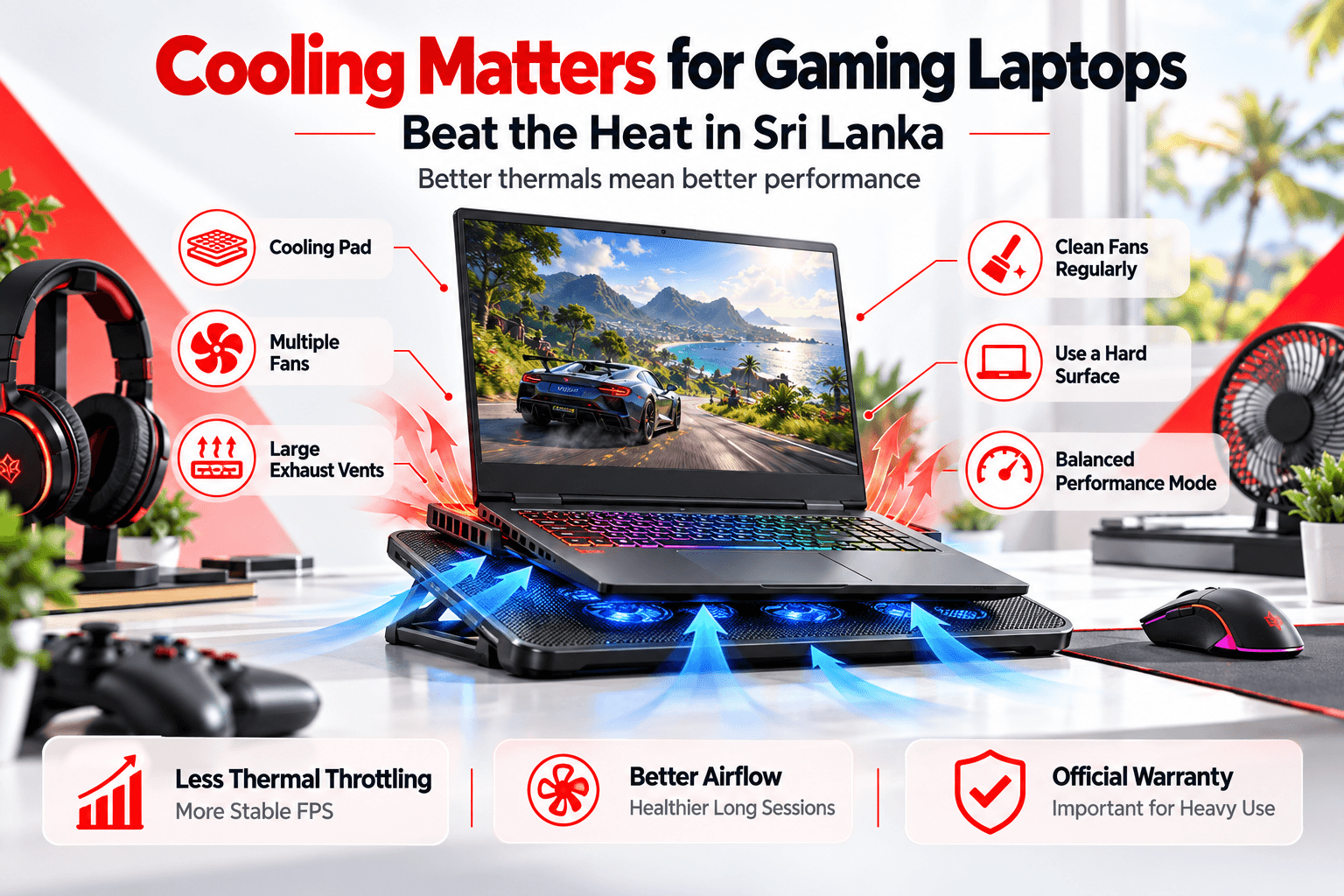
Sri Lanka's heat makes airflow important:
- Choose a case with mesh front panels and room for at least 2–3 fans
- The stock cooler is fine for most Core i5 / Ryzen 5 CPUs. Upgrade to a tower air cooler or AIO for higher-end chips.
- Keep cables tidy to improve airflow, and clean dust filters regularly
 Well-ventilated PC case with cooling fans
Sample PC Builds for Sri Lanka
| Component | Office / Study Build | Mid-Range Gaming Build | High-End Gaming Build |
|---|---|---|---|
| CPU | Ryzen 5 8600G / Core i3-14100 | Ryzen 5 7600 / Core i5-14400F | Ryzen 7 7800X3D / Core i7-14700K |
| GPU | Integrated graphics | RTX 4060 / RTX 5060 | RTX 4070 Super / RTX 5070 Ti |
| RAM | 16GB DDR5 / DDR4 | 16–32GB DDR5 | 32GB DDR5 |
| Storage | 500GB NVMe SSD | 1TB NVMe SSD | 1–2TB NVMe SSD |
| PSU | 450–500W 80+ Bronze | 650W 80+ Bronze/Gold | 750–850W 80+ Gold |
| Best for | Office, study, browsing | 1080p high-FPS gaming | 1440p gaming, streaming |
Component prices in Sri Lanka change with the exchange rate. Use the Build PC tool to see current prices for each part and the total cost.
Sri Lanka-Specific Tips
- Protect against power issues. Use a UPS or at least a quality surge protector to guard against voltage fluctuations and sudden power cuts.
- Plan for heat and dust. Good airflow and regular cleaning extend component life.
- Keep invoices and warranty details for every component. Individual parts each carry their own warranty.
- Buy genuine parts from trusted sellers. Counterfeit RAM and SSDs do exist.
Common PC Building Mistakes to Avoid
- Pairing a powerful GPU with a weak, cheap PSU
- Buying an incompatible CPU and motherboard (wrong socket or chipset)
- Using a single RAM stick instead of a dual-channel kit
- Choosing an HDD as the main boot drive
- Forgetting to enable XMP / EXPO in the BIOS so RAM runs at its rated speed
PC or Laptop?
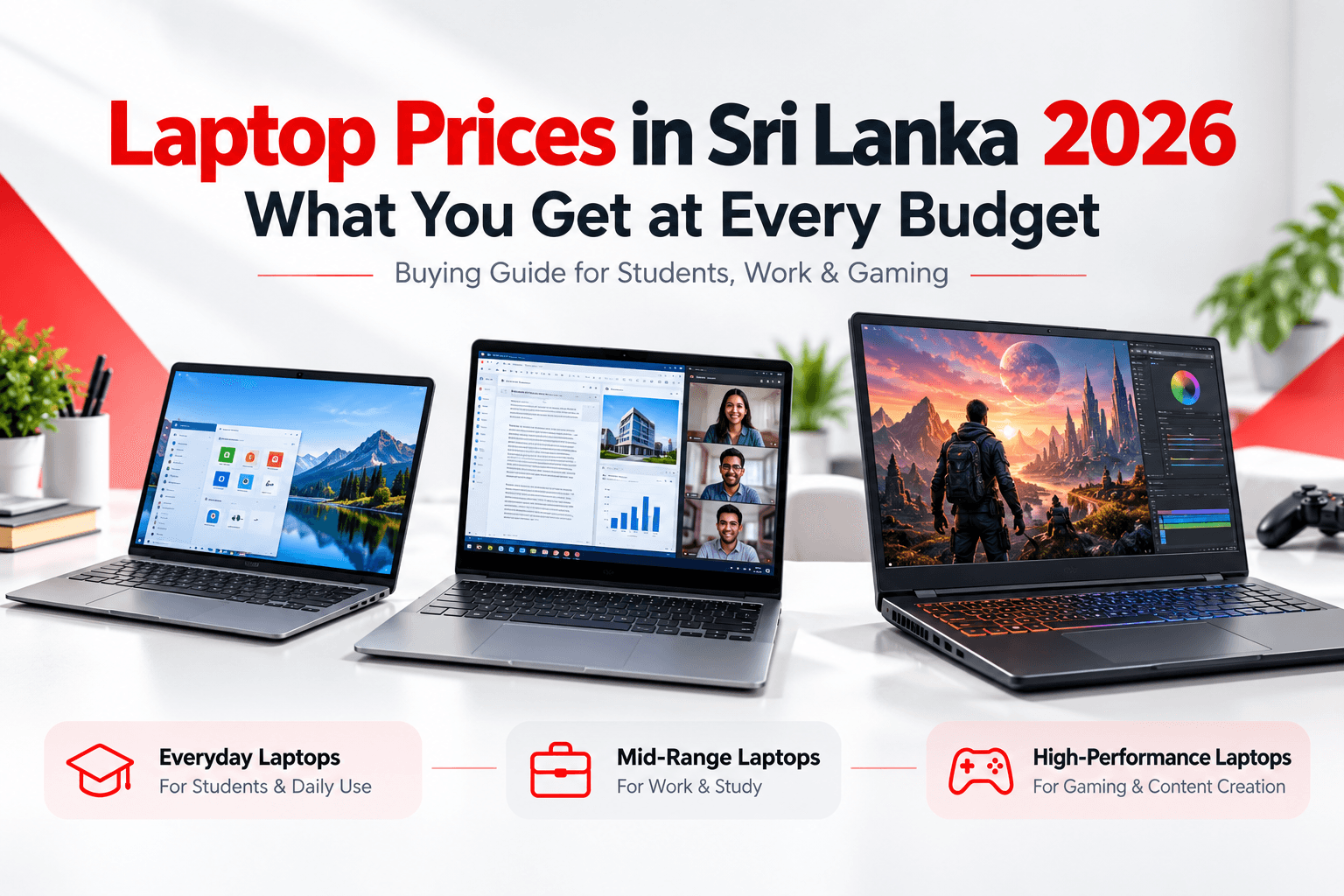
A desktop gives more performance per rupee and is easier to upgrade. A laptop gives portability. If you need to carry your machine to campus or work, see our gaming laptop guide or laptop price guide.
Ready to Build?
Start planning with our Build PC tool, browse components and accessories, or contact our team for a custom build recommendation based on your budget.
Frequently Asked Questions
How much does it cost to build a gaming PC in Sri Lanka?
The cost of a gaming PC in Sri Lanka depends mainly on the graphics card and changes with the exchange rate. Use the LaptopOffers.lk Build PC tool to select components and see an up-to-date total price for your build.
Is it cheaper to build a PC than buy a laptop?
Yes. For the same performance, a desktop PC is usually cheaper than a laptop and easier to upgrade later. A laptop costs more because of its compact, portable design and built-in screen, keyboard and battery.
What PSU wattage do I need for my PC?
Most office PCs need around 450 to 500W, mid-range gaming PCs with an RTX 4060-class GPU need around 550 to 650W, and high-end builds need 750W or more. Always choose a reputable brand with an 80 PLUS rating.
Do I need a UPS for my PC in Sri Lanka?
A UPS is strongly recommended in Sri Lanka. It protects your PC from sudden power cuts and voltage fluctuations, preventing data loss and potential hardware damage.
Need Help Choosing?
Talk to our team for a free recommendation, or visit our showroom to see laptops in person. Every laptop is genuine, brand new and comes with official warranty.
Unit No. 1F01, 1st Floor, Unity Plaza, Colombo 04